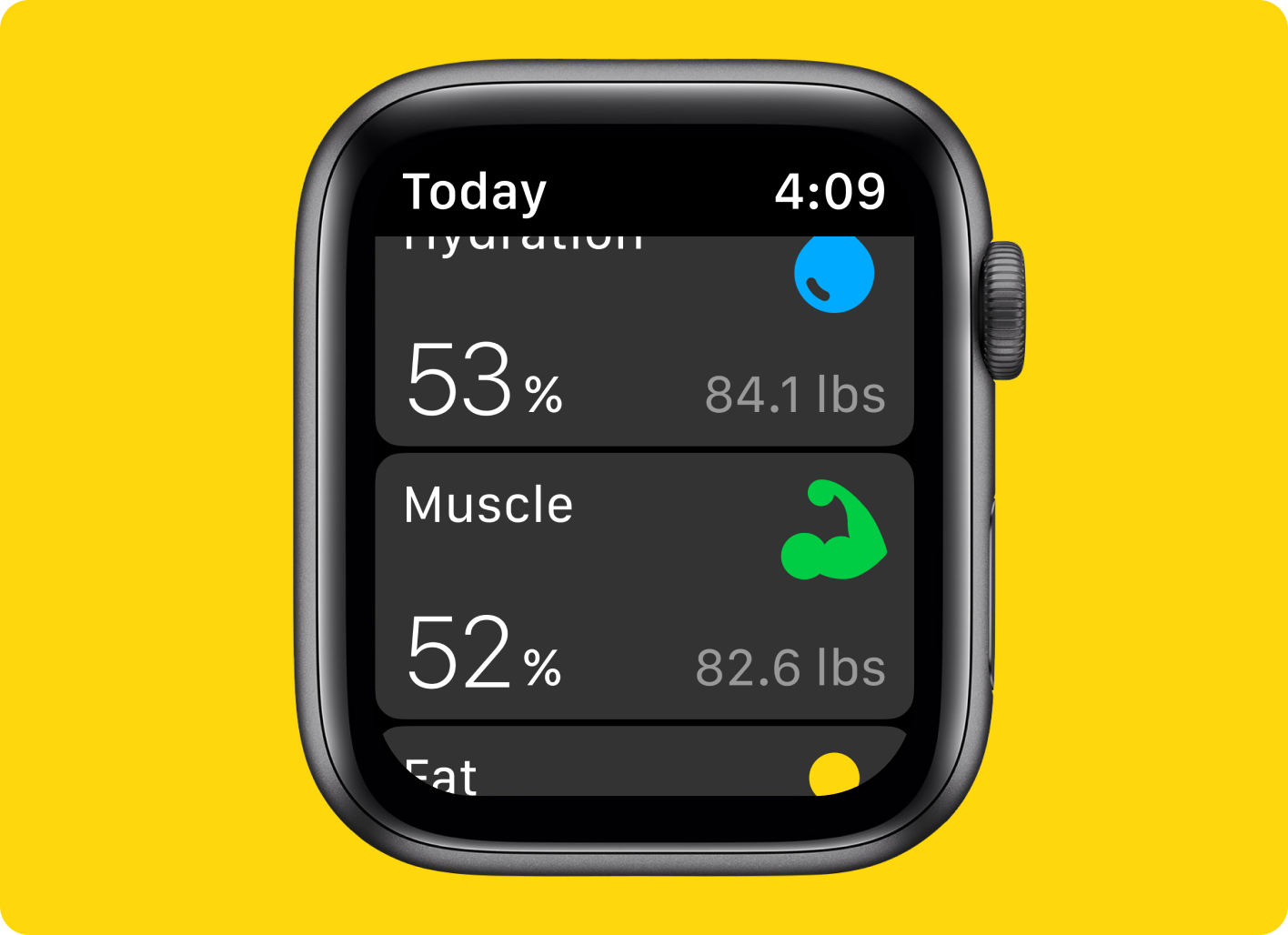
AURA Strap for Apple Watch uses bioimpedance analysis to measure your body composition and hydration levels. To take a proper measurement, please follow the steps:
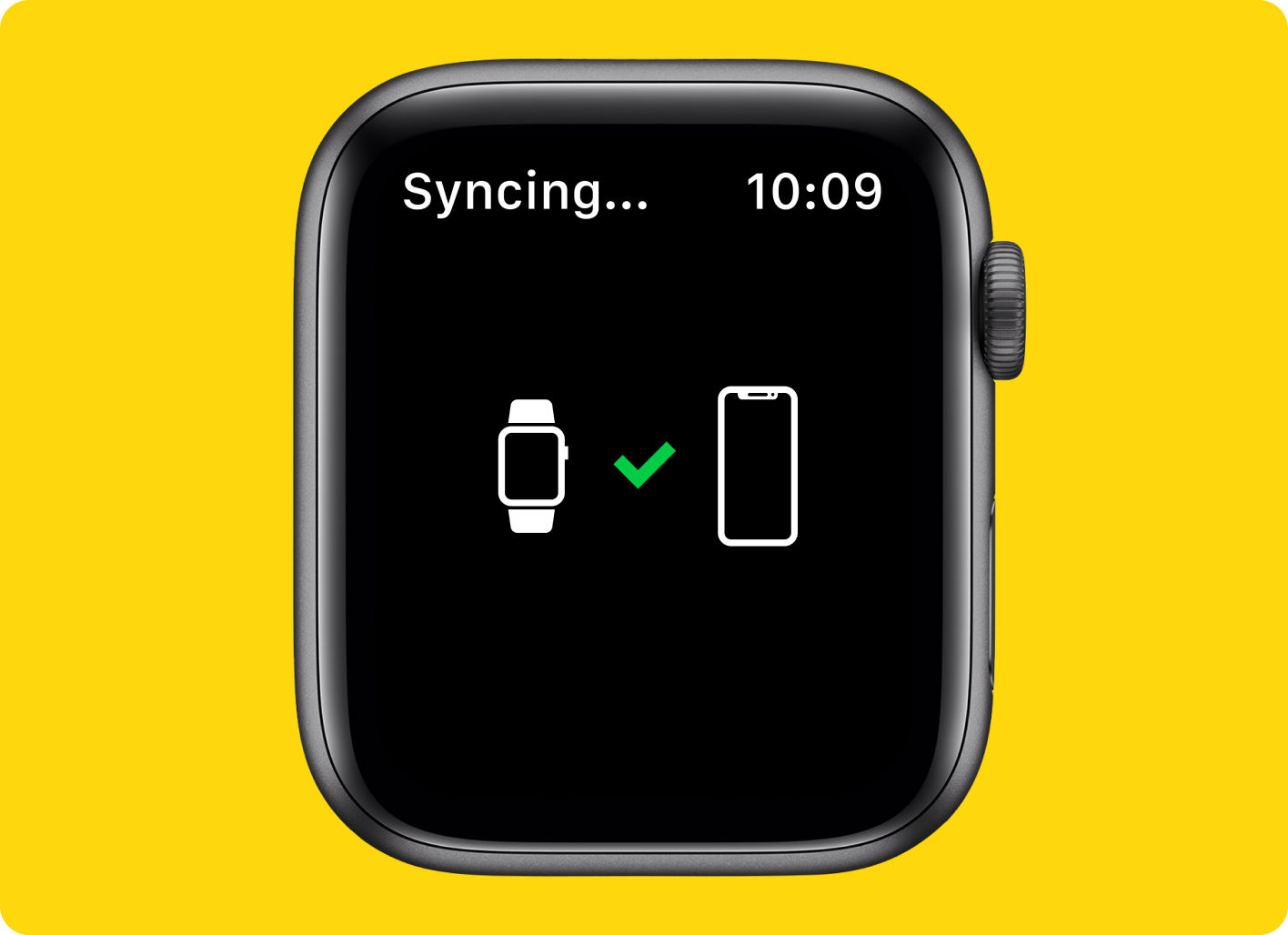
1. Install and sync your AURA App on iPhone and Apple Watch;
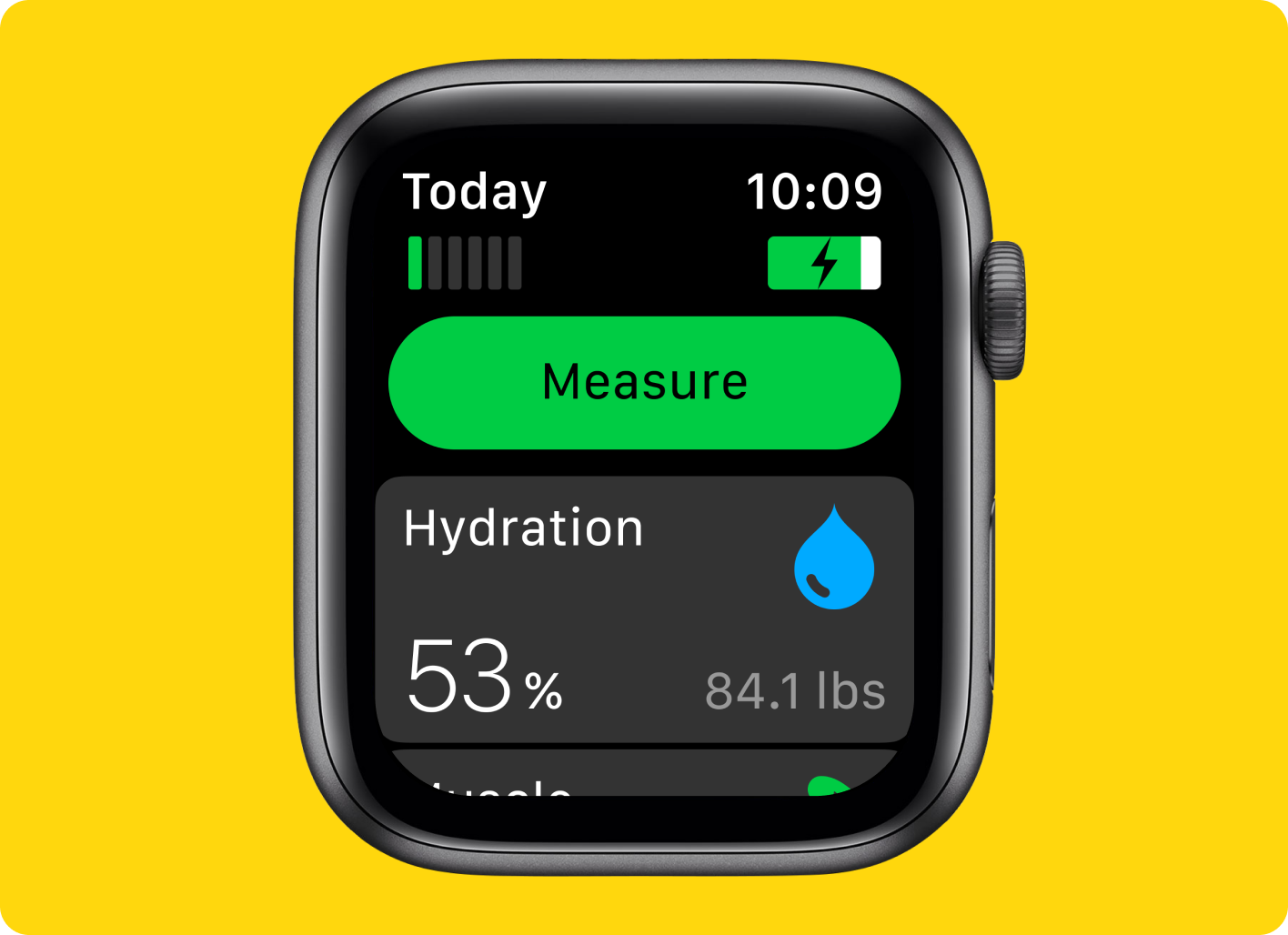
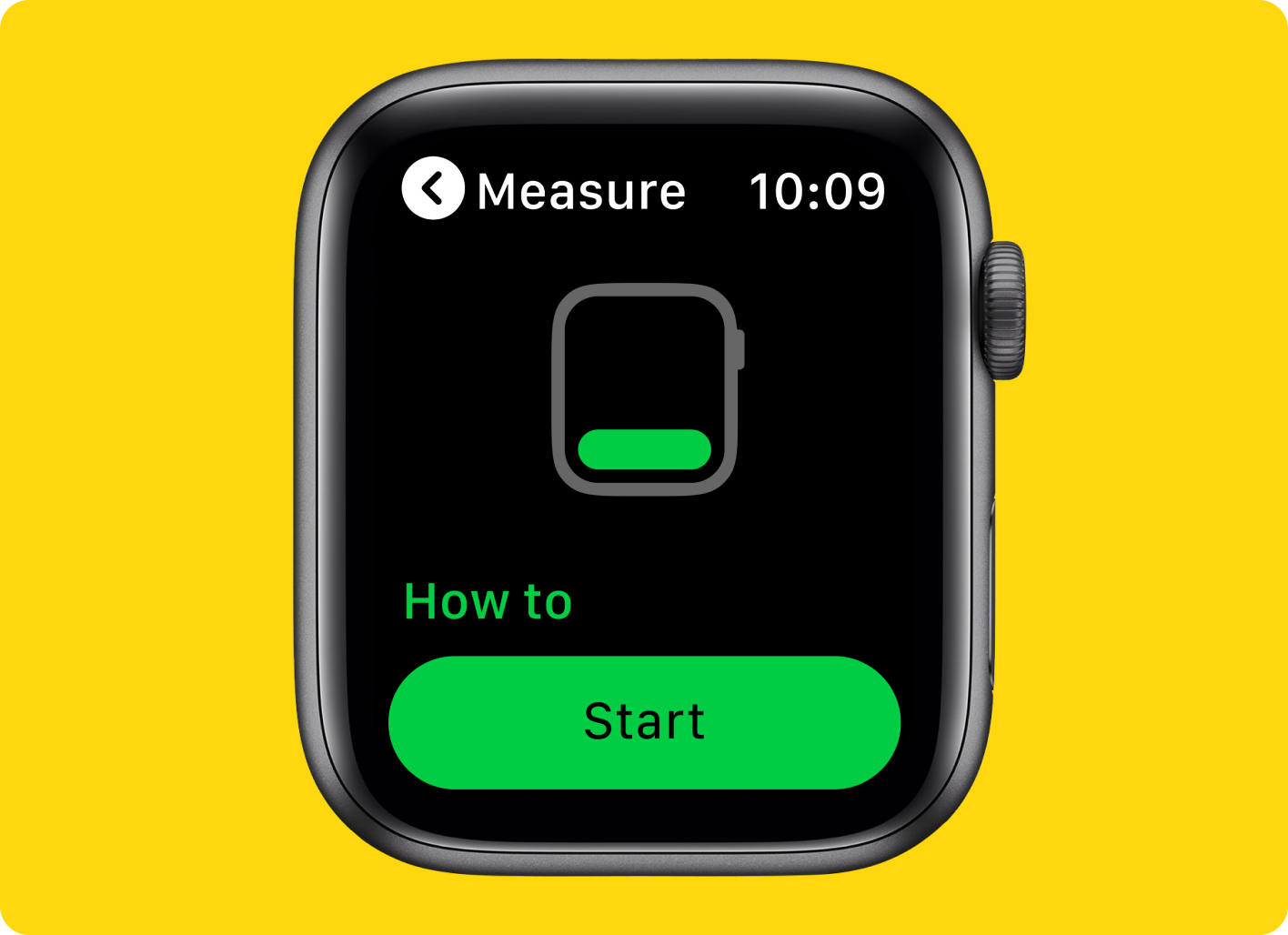
2. Open AURA App on your Apple Watch and press the Measure button;
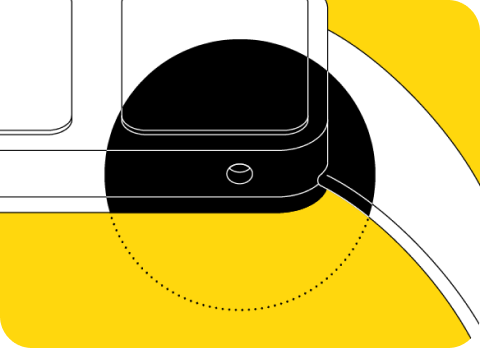
3. Press the button on AURA Strap;
4. Press the Start button in the app;
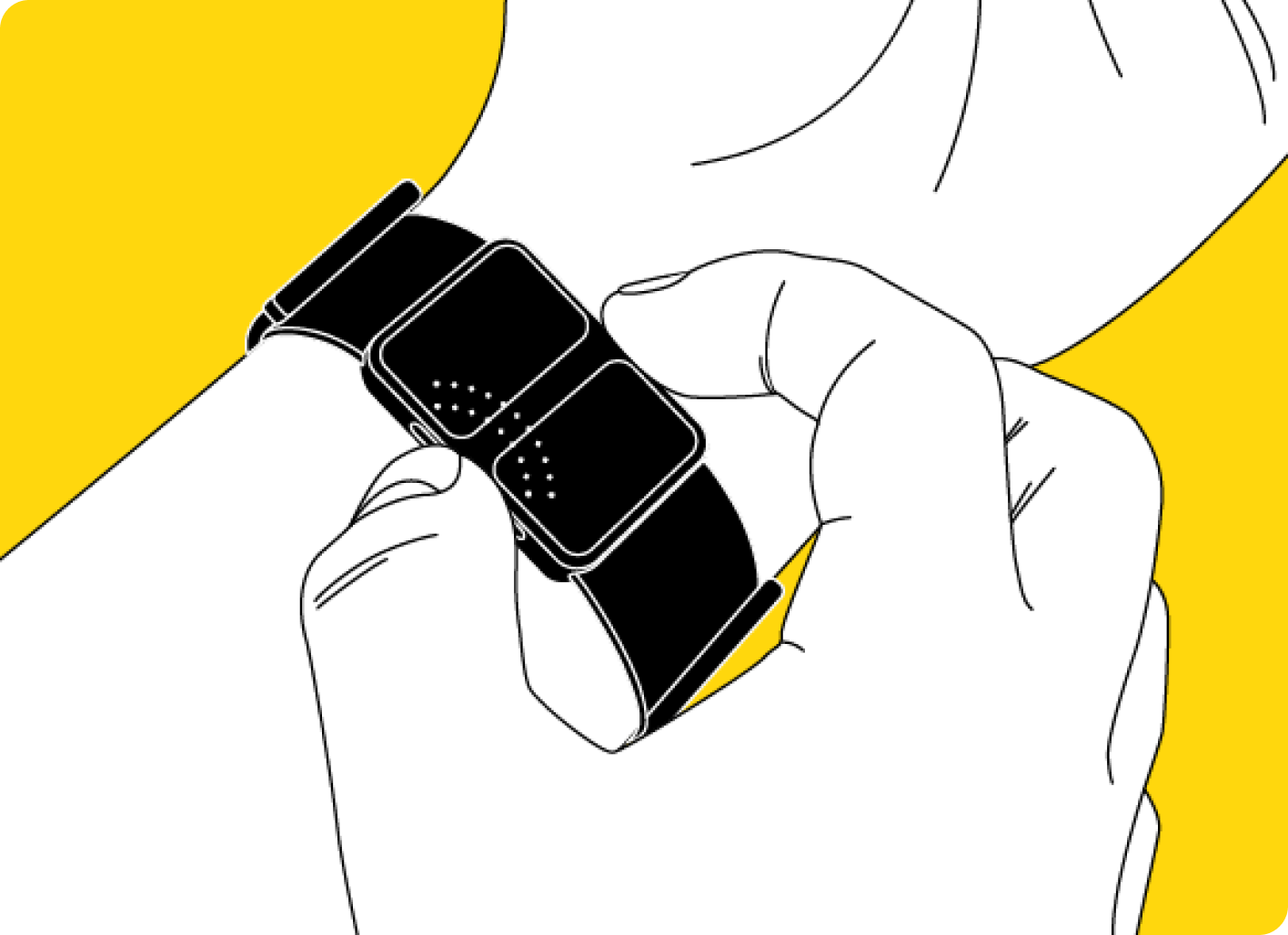
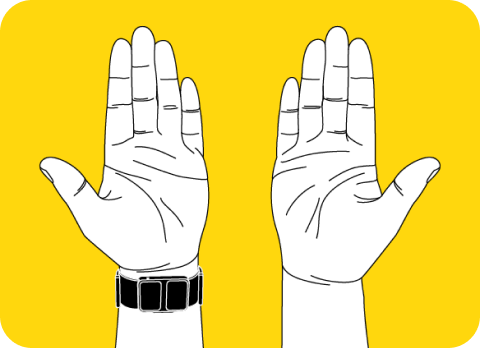
5. Touch electrodes with your free palm;
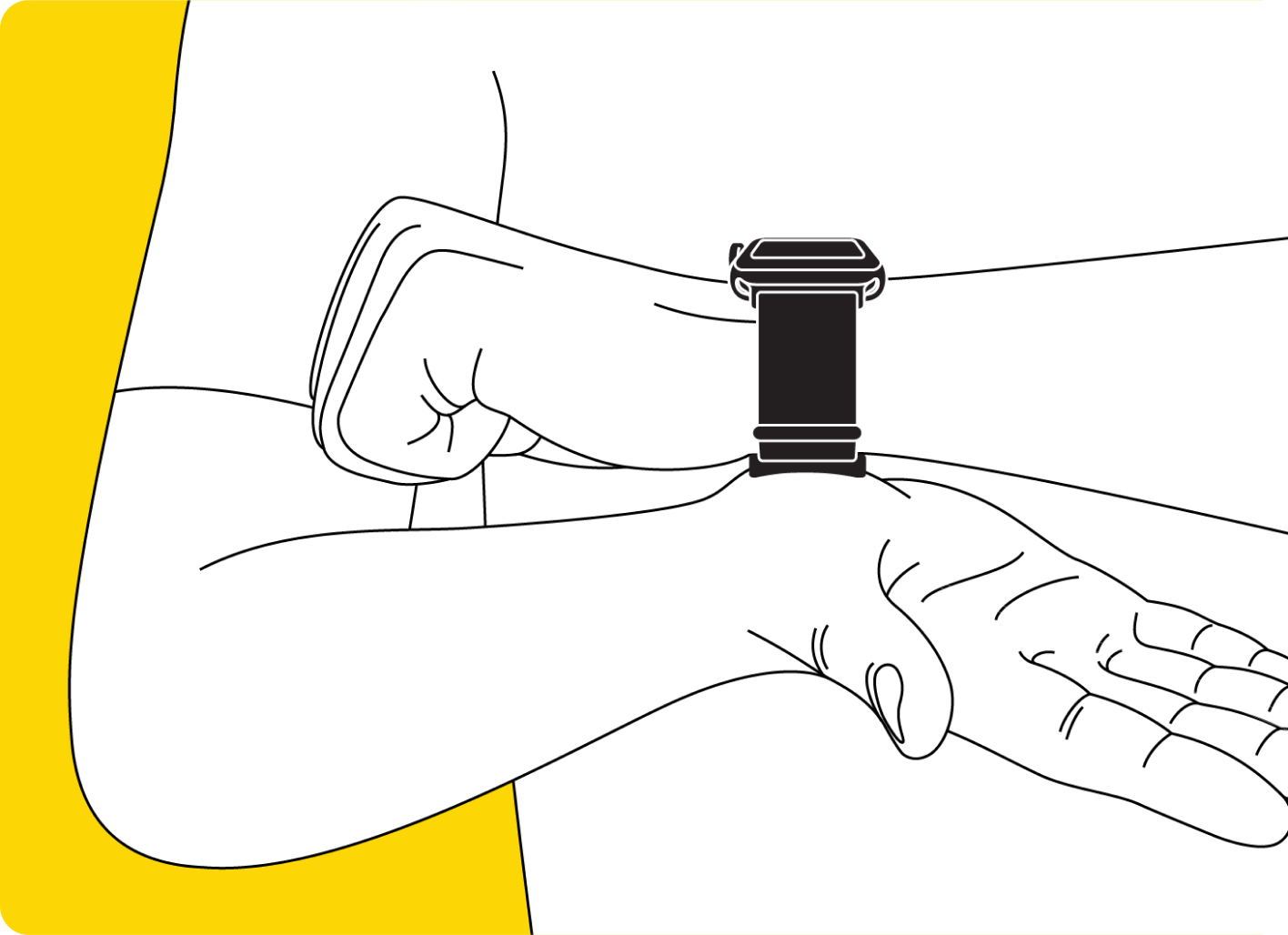
Follow these simple rules to make the most accurate measurement:
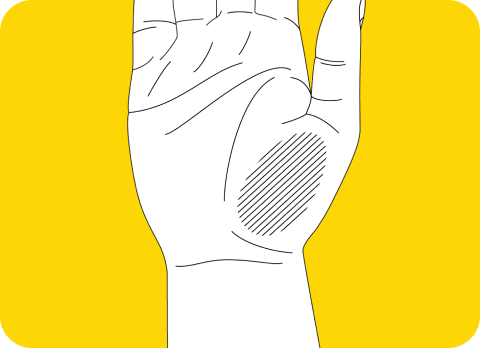
- Touch the electrodes with the specific zone of your palm;
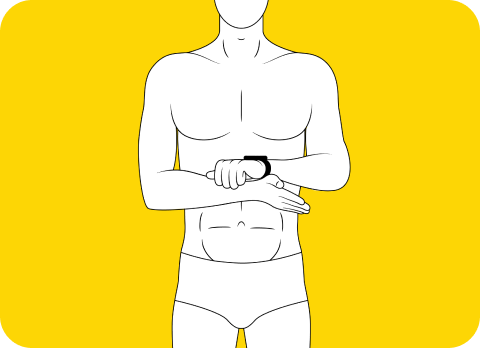
- Stand up and keep your hands opposite the chest;
- Keep your hands clean;
- Don't cover the speaker and find a reasonably quiet place.
6. Wait until the dial comes to 100%;
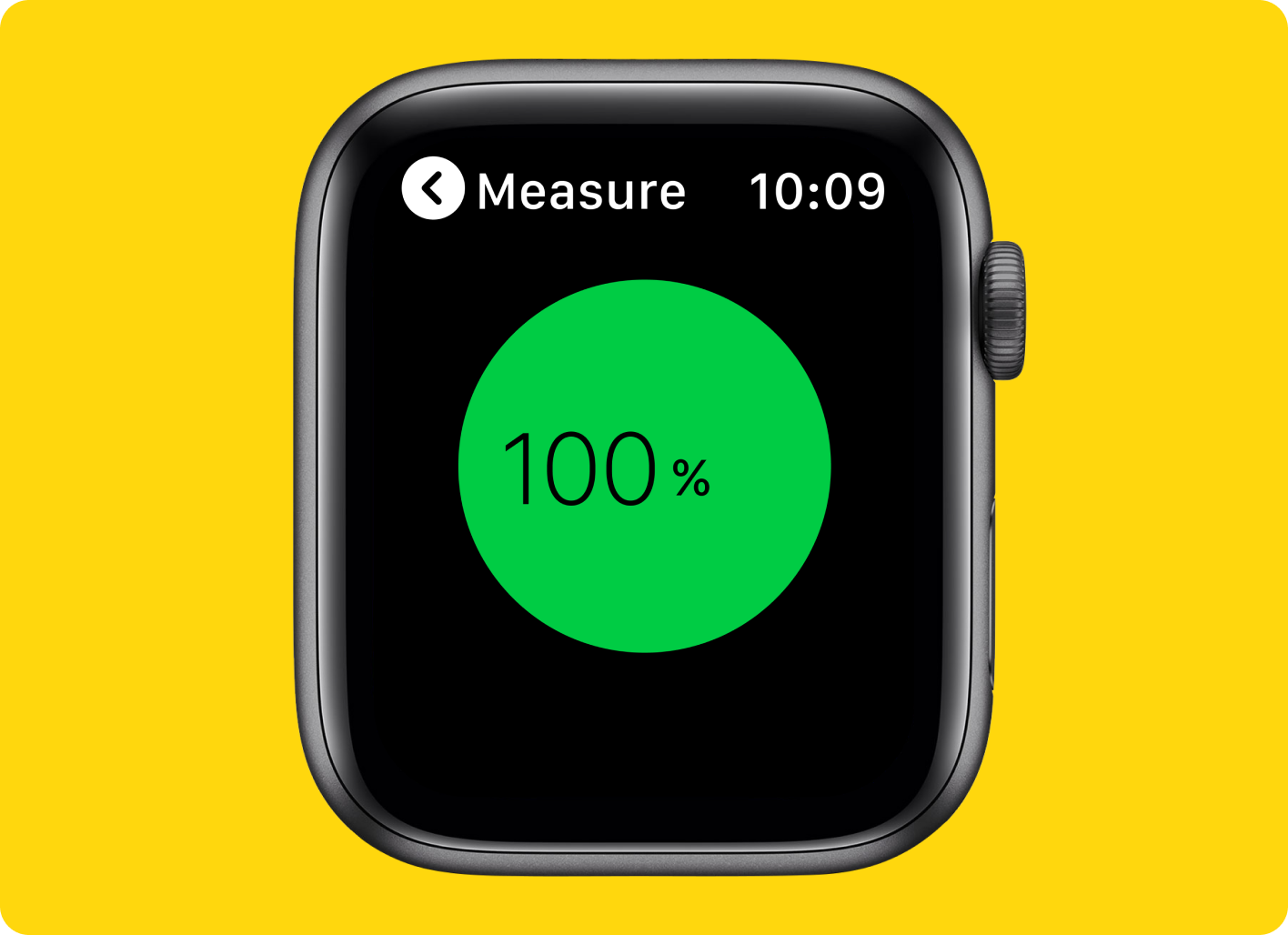
7. Enjoy the result!