-
Go to Today View or the Home Screen page where you want to add the widget, then touch and hold the background until the apps begin to jiggle.
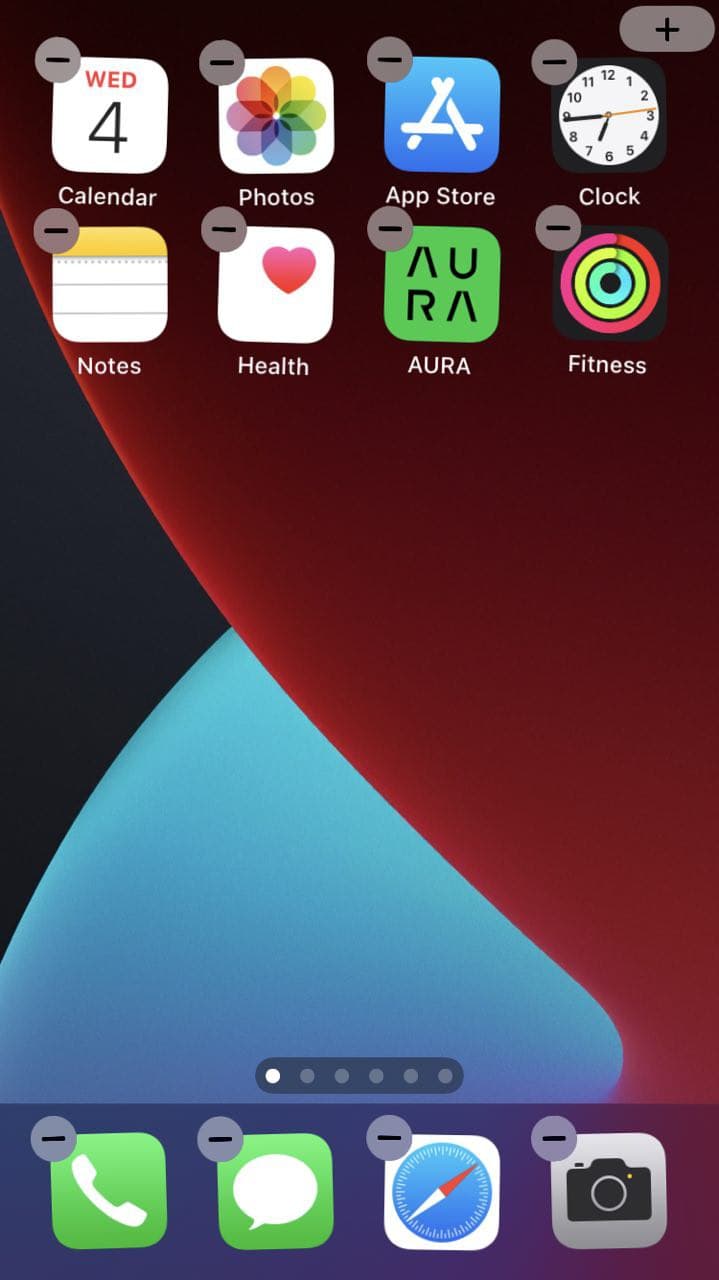
- Tap
 at the top of the screen to open the widget gallery.
 - Scroll or search to find the AURA app widgets.
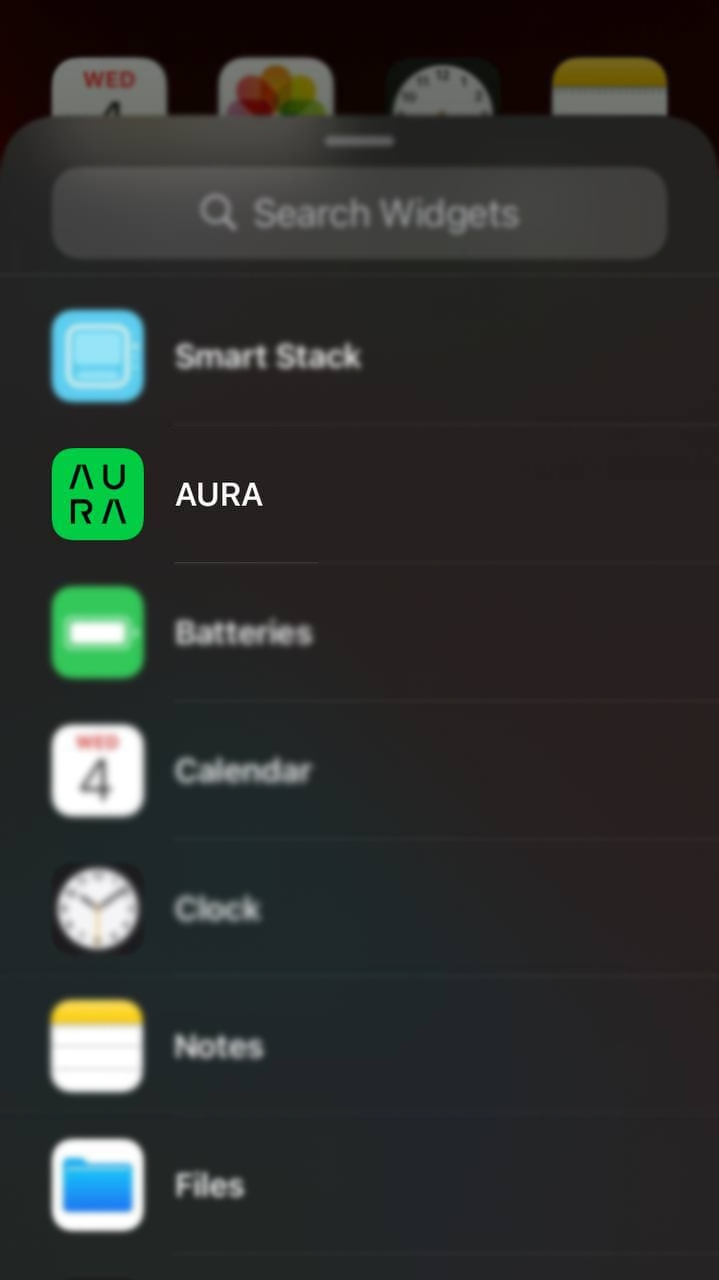
-
Tap AURA, then swipe left through the size options.
The different sizes display different information.
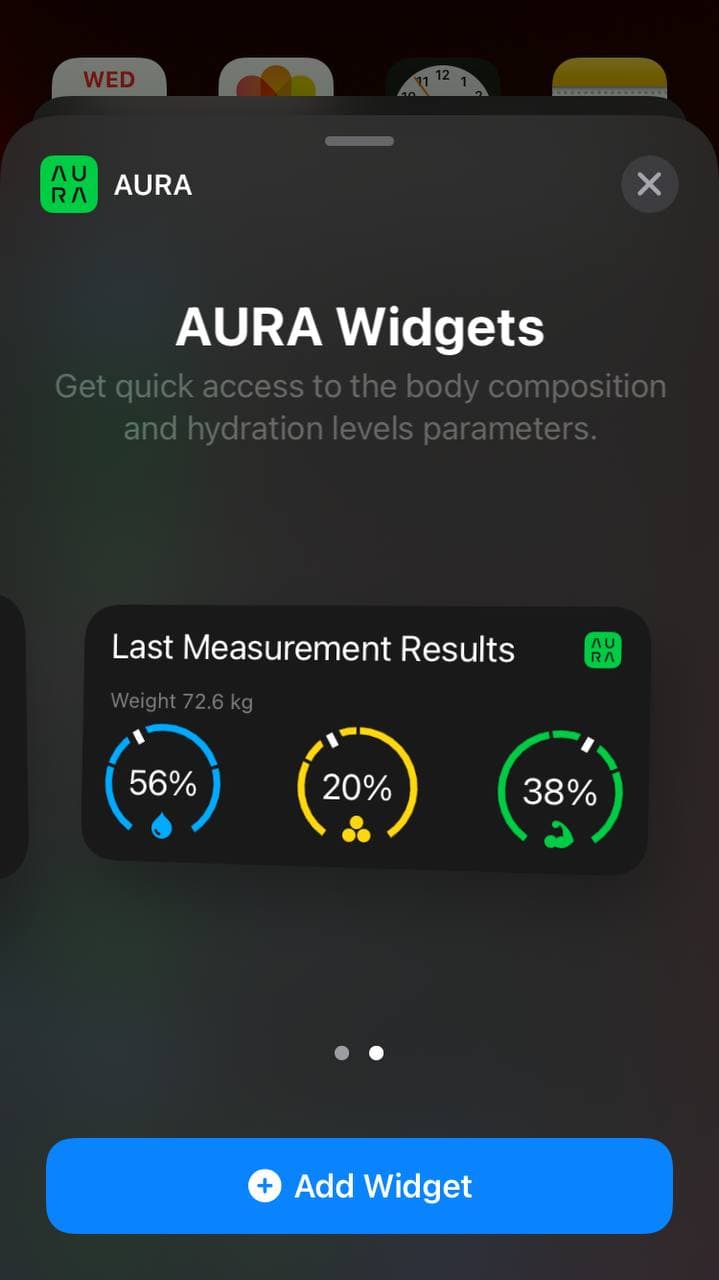
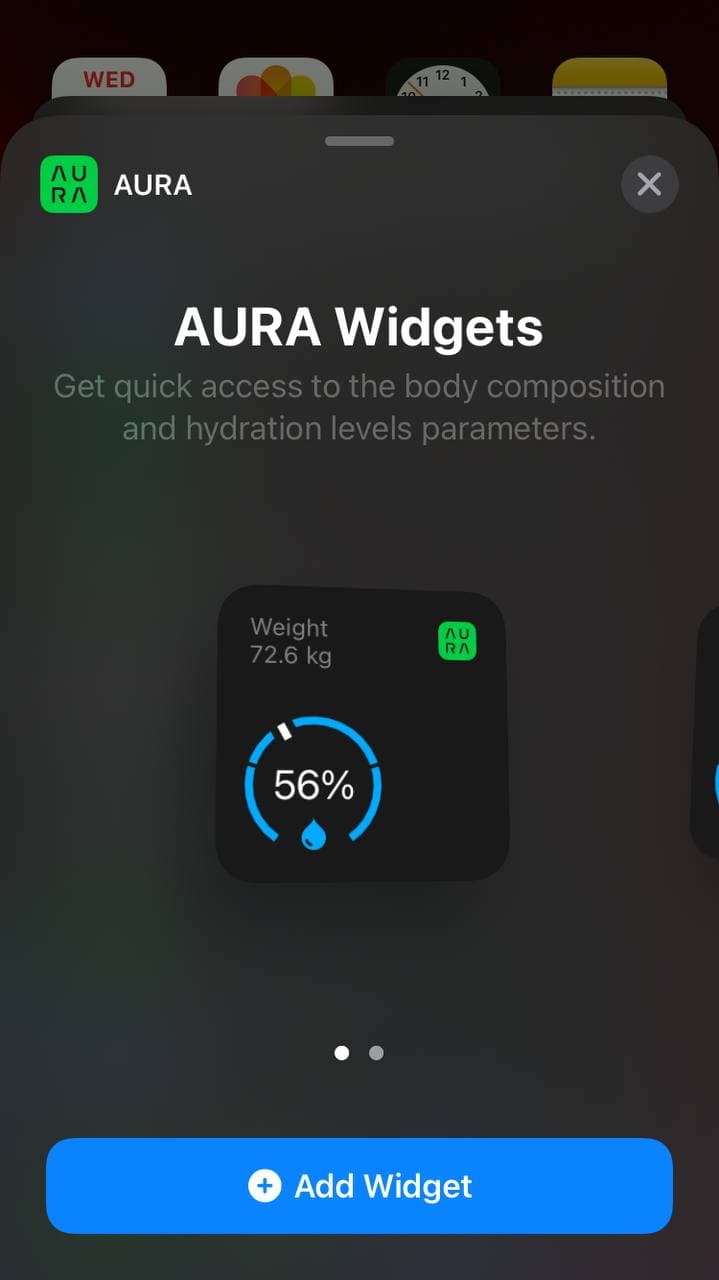
- When you see the size you want, tap Add Widget, then tap Done.
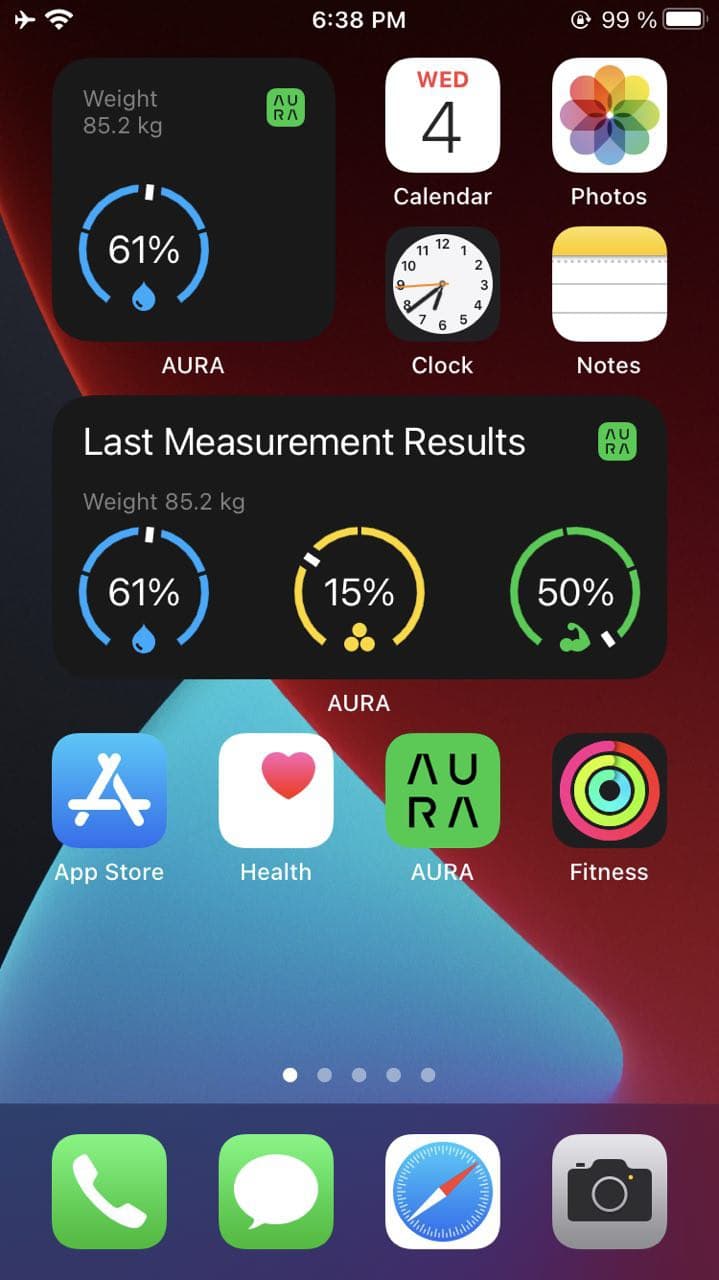
- Enjoy!